
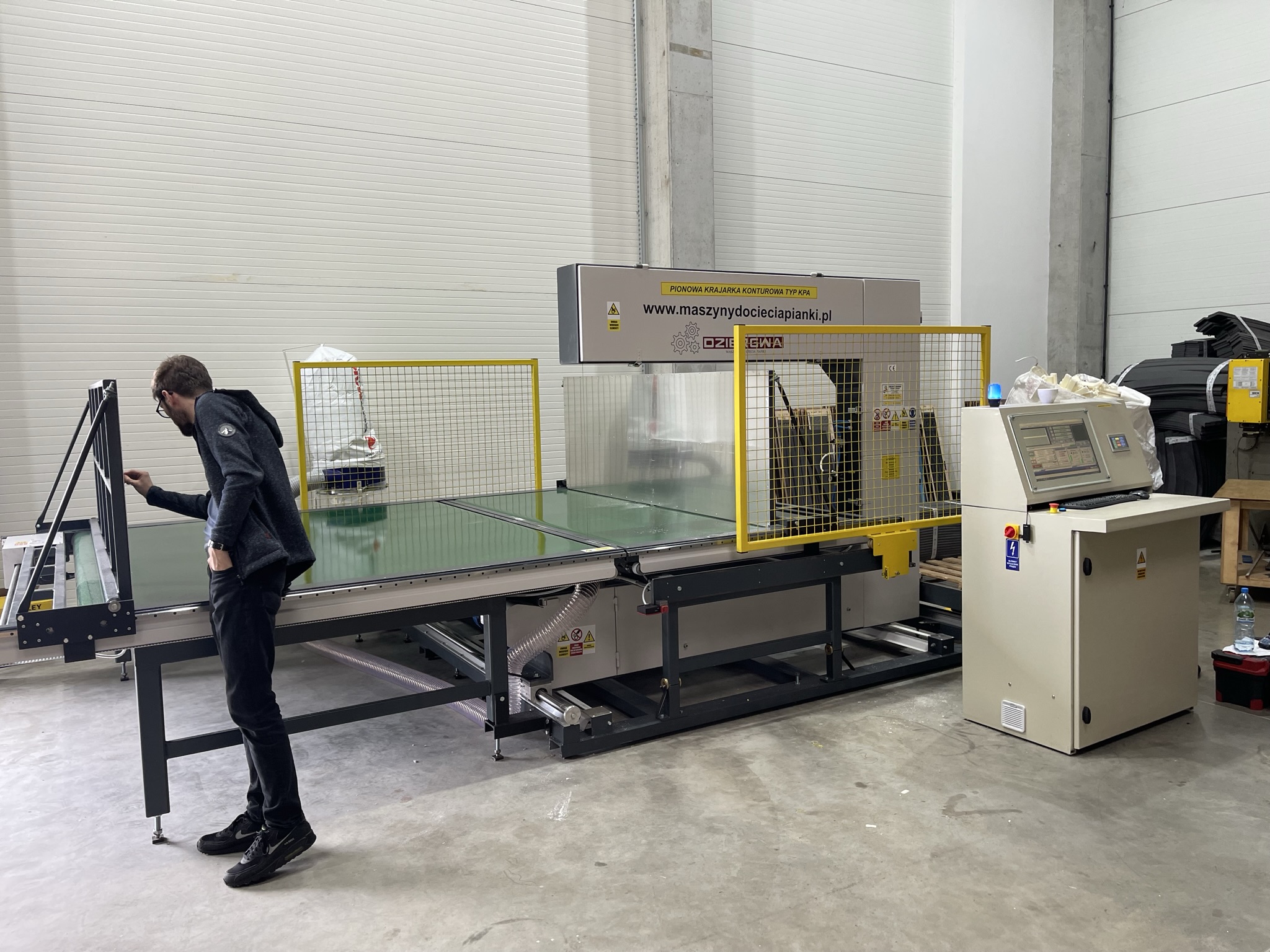
TL;DR: The touch panel in the DZIERGWA CNC cutter is a 7-10" color screen through which the operator programs cutting dimensions, saves production recipes and controls the entire machine operation cycle. No programming knowledge required - only the use of an intuitive menu is required.
Why did the touch panel replace classic buttons?
Old-type foam cutting machines were controlled by buttons, potentiometers and segment displays. Setting a new cutting dimension required manually turning the knobs and reading the mechanical scale.
The touch panel changed three things fundamentally:
- Recipe storage - operations can be saved and recalled with one touch
- Cutting sequences - up to 10 different thicknesses from one block in one cycle
- Diagnostics - the machine informs about errors, tool status and service status
Construction of the operator interface in DZIERGWA machines
The touch panel in PPA and PARK cutters is equipped with:
Main working screen:
Displays the current cutting dimension, axis position, feed rate and machine status (run/stop/error).
Recipe menu:
List of saved cutting programs. Each recipe contains: name, dimension sequence, feed rate, operator note.
Programming mode:
Entering a new recipe: the operator enters subsequent thicknesses (e.g. 80 mm, 60 mm, 40 mm, 20 mm) and speed. Optional - pause time between cuts.
Alarm panel:
List of active and historical alarms. Each alarm has a code, description and suggested corrective action.
Step by step: programming cutting on the KNITTING panel
1. Turn on the machine - the panel starts automatically after 15-30 seconds
2. Select "Recipes" from the main menu
3. Create a new prescription or load an existing one
4. Enter the thickness of subsequent layers (e.g. 80, 60, 40, 20 mm)
5. Set the feed speed (2-10 m/min depending on the hardness of the foam)
6. Load the foam block onto the work table
7. Start automatic mode - the machine carries out the sequence without any intervention
8. After completing the cycle: collection of finished boards and loading of the next block
Production recipes - plant knowledge management
The CNC controller in DZIERGWA machines stores from several dozen to over 100 recipes. Each recipe is condensed knowledge about cutting a specific product - thickness, speed, order. A new operator can operate the machine correctly from day one, recalling a ready-made recipe.
How a CNC controller increases plant efficiency - development of the topic: CNC control in foam cutters.
Remote diagnostics and updates via panel
Modern DZIERGWA panels support remote desktop connection (AnyDesk). The service technician can:
- Remotely take over the panel screen and diagnose the problem
- Load software update without on-site visit
- Check error logs from the last weeks of work
Remote diagnostics reduces service response time from days to hours - crucial in the event of an unplanned production stop. More about maintenance: Maintenance of the cutter - schedule.
Integration with ERP/MES via panel
The latest driver versions support Ethernet/IP and OPC-UA, industrial communication standards. This enables:
- Automatic download of production plans from the ERP system
- Registration of each cut in the MES system (time, dimension, operator)
- Alerts to the maintenance department when the tool mileage threshold is reached
Frequently asked questions (FAQ)
Is the touch panel resistant to dust and grease?
Yes. The panels used in DZIERGWA machines have a protection class of IP54 or higher - dust and splash resistant. The panel housing is sealed.
What to do if the panel does not respond to touch?
The most common cause is condensation or grease on the screen. Clear the screen and try again. If the problem persists - check the USB cable or contact DZIERGWA service via WhatsApp (+48 723 882 783).
Can I add a new interface language to the panel myself?
No - interface languages are configured by DZIERGWA before machine delivery. Available languages: Polish, English, German and others on request. Changing the language requires a firmware update by the service.
Contact us — we'll be happy to advise and prepare an offer tailored to your needs!